
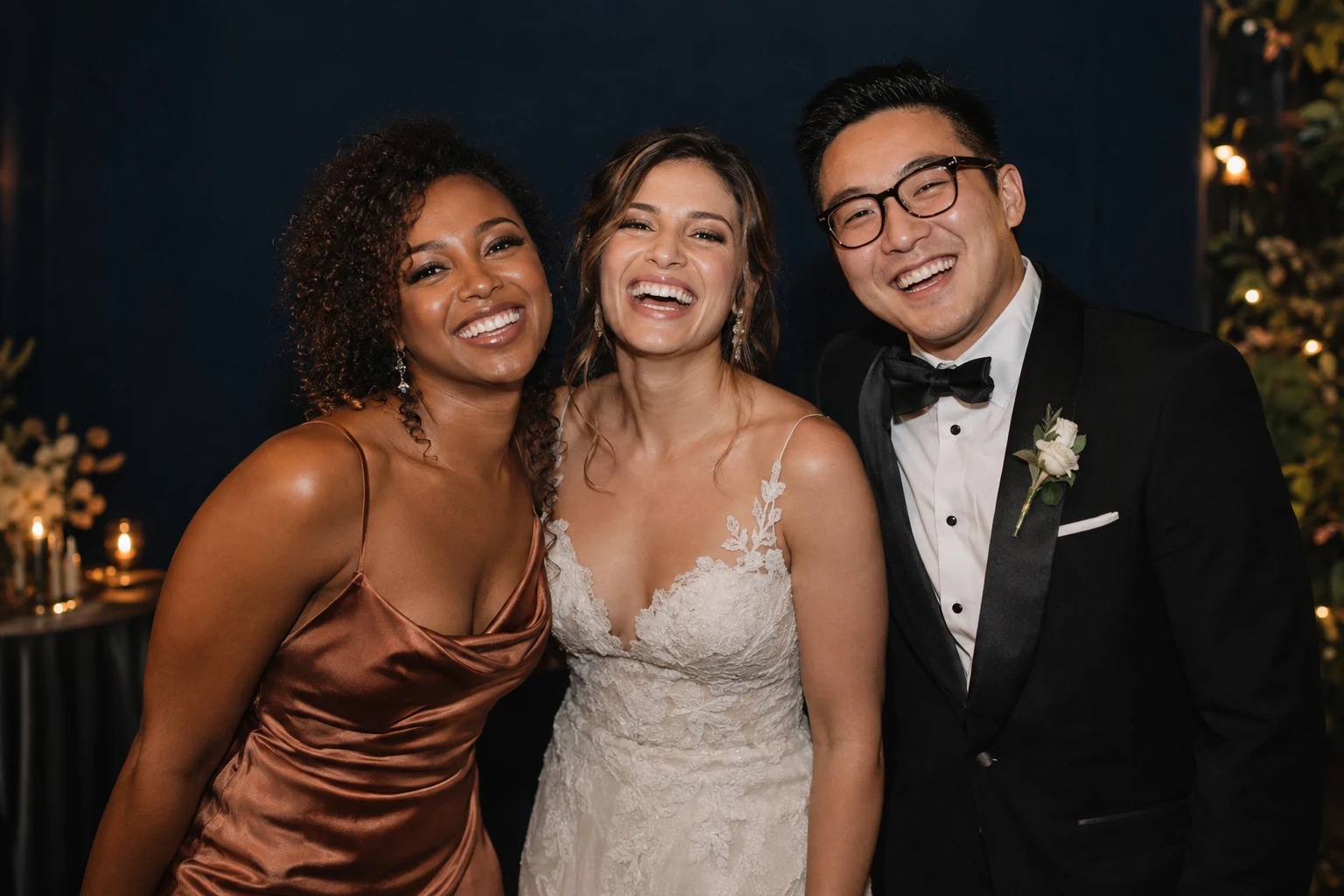
Operators
Make the camera the centre of the booth.
Less equipment in the way. Set up from one device, brand it as yours with White label, and add a green-screen package to every booking.
A more direct way to create with your camera. ZeroCapture Studio is built for photo booths, parties, and creators.
The backdrop is already there, live on the device, so the moment is right before anyone presses anything.
One device is the camera, the screen and the studio. Nothing to plug in, nothing to babysit.
A small Bluetooth remote starts the countdown and takes a full-resolution photo. Guests never touch the screen.
The finished picture is cut from the full-resolution capture with the same maths as the live preview, so the photo matches the moment.
Guests scan a QR code and download the full-quality photo over local Wi-Fi. Photos stay on the device.
See the kitA more direct way to create with your camera. The same app flexes from a hired booth at a wedding to a birthday in the kitchen to a creator's desk.
Less equipment in the way. Set up from one device, brand it as yours with White label, and add a green-screen package to every booking.
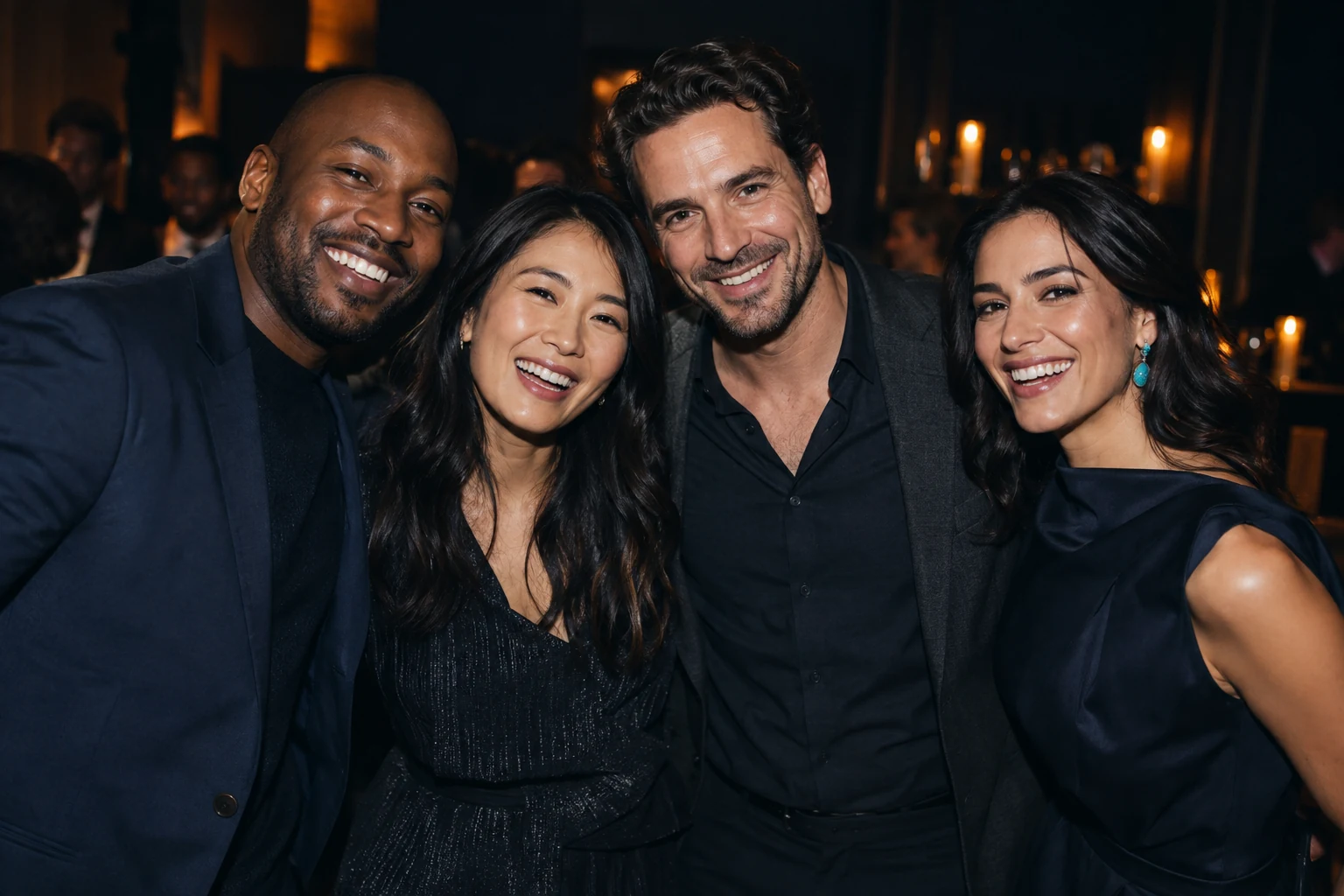
A green screen, an Android device and a remote. Guests pick a scene, press once, and keep the photo before the cake is cut.
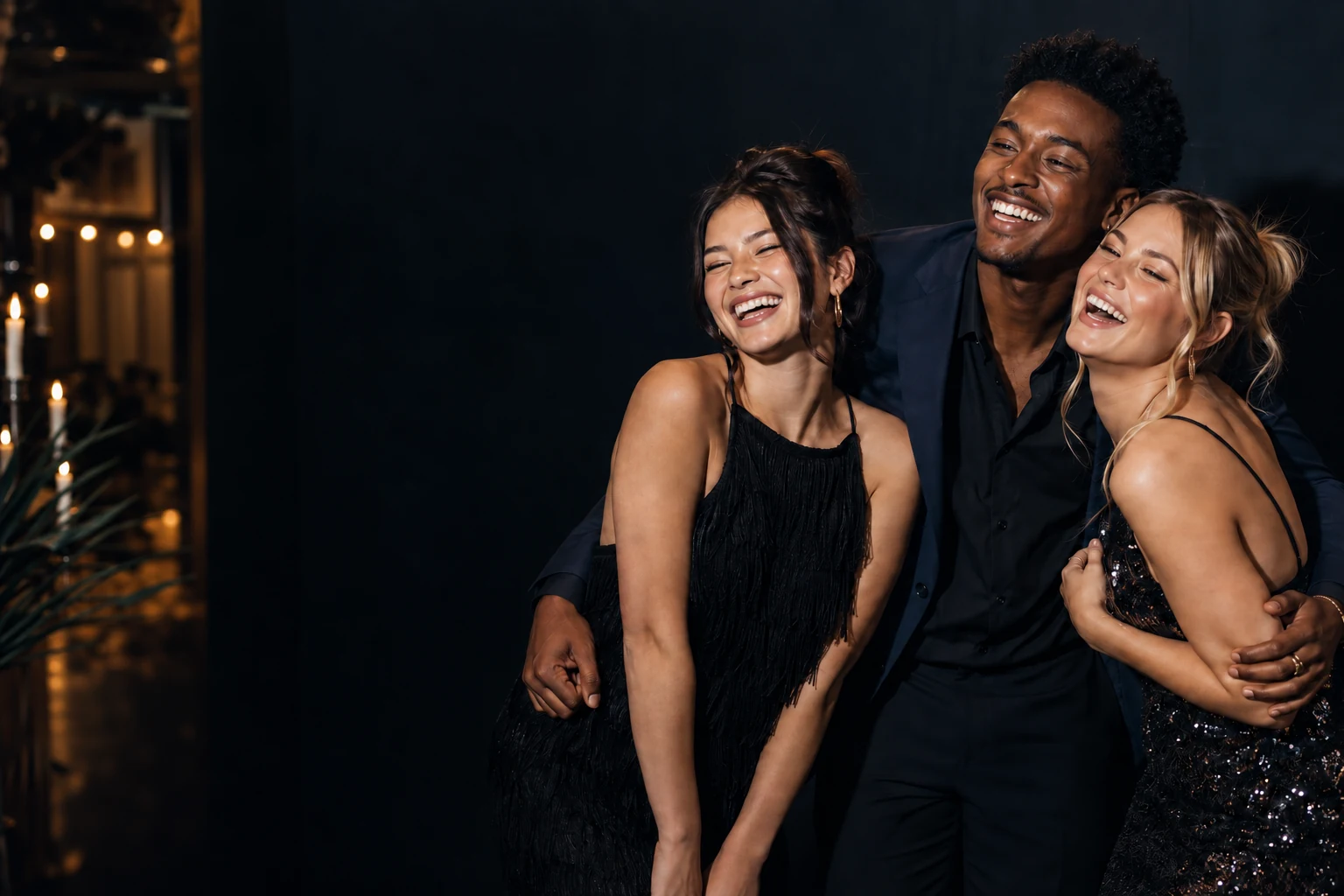
Stand in front of a green screen and see yourself already in the scene, live, with nothing between you and the picture.
Everything a booth needs, with the parts that break, tangle and slow you down taken out.
Guests never touch the screen. One press of the remote from across the room starts the countdown and takes the photo.
Photos stay on the device. Guests download over local Wi-Fi with a QR code, and the links expire.
No laptop, no DSLR, no capture cable, no separate software. Less to carry, less to break, faster to set up.
With White label, guest screens carry your colours, your fonts, your logo and your words. Operators sell the experience as their own.
Import your own backdrops and frames, pick a skin, tap the green screen once to pick the key colour, and check the edges in the matte view. The timings are yours to set, and on a paid plan so is every message guests see.
Guests choose a backdrop from a simple carousel and see themselves already in it, live on screen. One press from 1.5 to 3 metres away starts a big, readable countdown and takes a full-resolution photo.
The finished photo lands on screen with a QR code. Guests scan it and download the full-quality picture straight from the device over local Wi-Fi. No app, no account, no upload.
Kiosk mode keeps guests inside the app, the booth resets itself, admin sits behind a PIN with a recovery code, and on a paid plan an attract screen plays while it waits.
Ready-made skins, your own colours, fonts and logo, a watermark, an event caption, and every message guests see rewritten in your voice. Save a skin per client and switch in seconds. The full rebrand comes with White label.
Four of the ready-made skins, shown as an illustration of the system.
Every photo is saved to the device's own photo library. The app never sends a photo to a server, and its settings and branding are kept out of Android cloud backup.
QR links only work for phones on the same Wi-Fi, and they expire after a set time. On Personal and White label you choose how long.
A clear story for corporate events, schools and anyone who has to answer for where guest data goes.
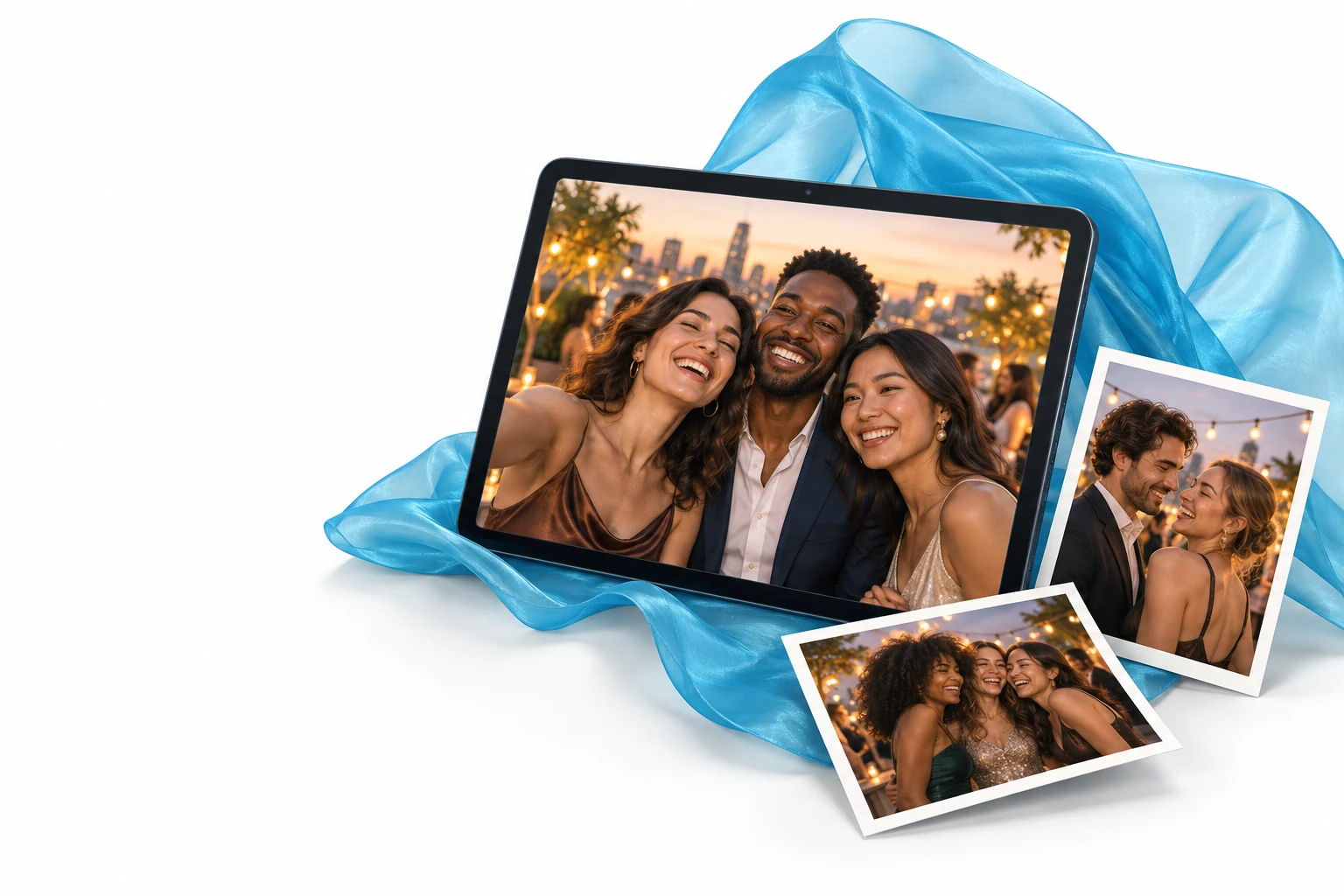
The app runs on an Android device and captures through the device's own camera. The kit adds the two things that make it a booth, plus a licence code that unlocks a paid plan in the app.
Tell us about your events and we will show you the booth working, from setup to the first QR scan.